Background
Designated employees of the City and County of San Francisco who are required to file an annual Statement of Economic Interests (Form 700) with their departments must complete the Annual Ethics Training (C&GCC Section 3.205).
Designated employees must complete the Annual Ethics Training online through the Commission’s e-filing system (NetFile). After completing the training in NetFile, they will be prompted to file an Ethics Training Declaration Form electronically in the system.
When to File
Within 30 days of assuming office or employment
Designated employees must complete the Annual Ethics Training and electronically file the Ethics Training Declaration Form within 30 days of assuming office or employment.
Annually by April 1
Designated employees must complete the Annual Ethics Training and electronically file the Ethics Training Declaration Form annually by April 1.
If a deadline falls on a weekend or on a state holiday, the deadline is the next regular business day.
Filers who assume office between October 1 and March 31 and timely complete the assuming office training requirements are not required to file the Ethics Training Declaration Forms on the April 1 immediately following assumption of office or employment.
Step 1
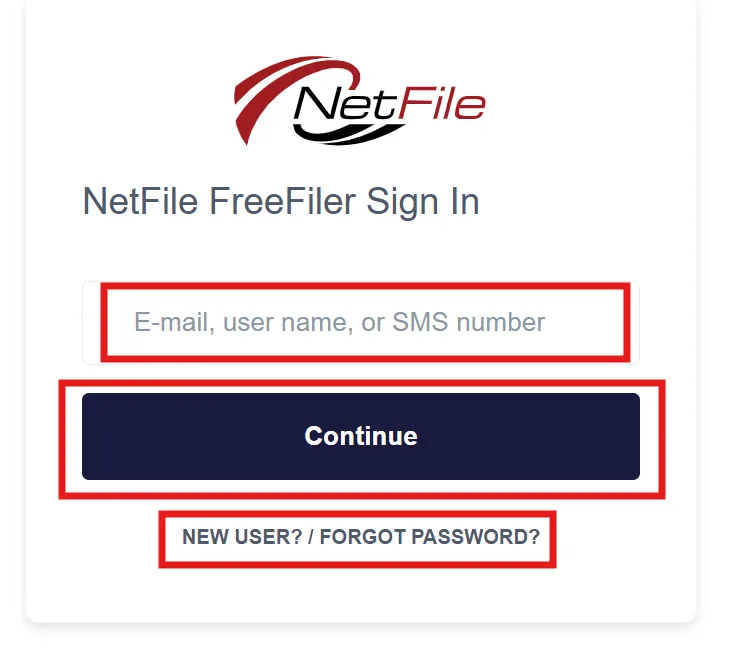
Log into your NetFile User account by visiting the NetFile filer login webpage and clicking on the Log Into Your Account button. Enter your NetFile User E-mail Address and Password. If you do not know your password, please click on the New User? / Forgot Password? link on the NetFile filer login webpage.
Step 2
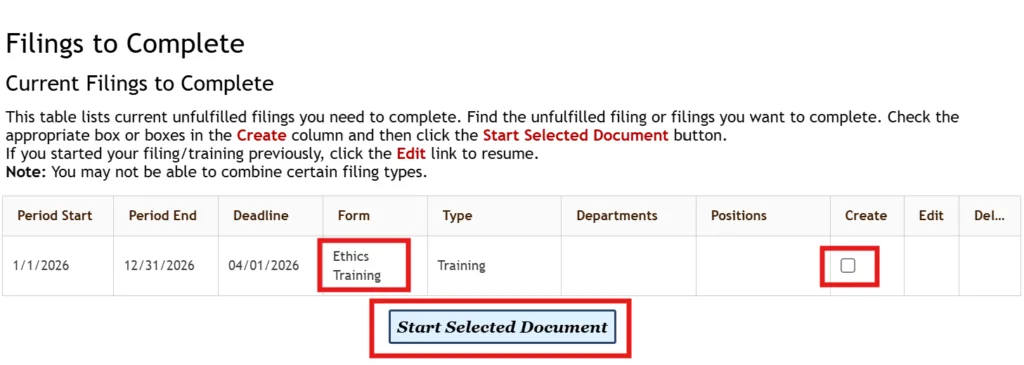
In the Create column, select the checkbox in the Ethics Training row, then click the Start Selected Document button.
Step 3
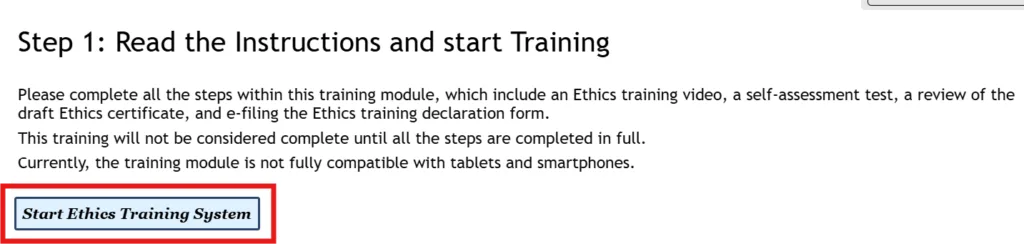
Read the Instructions on this page and click the Start Ethics Training System button.
Step 4
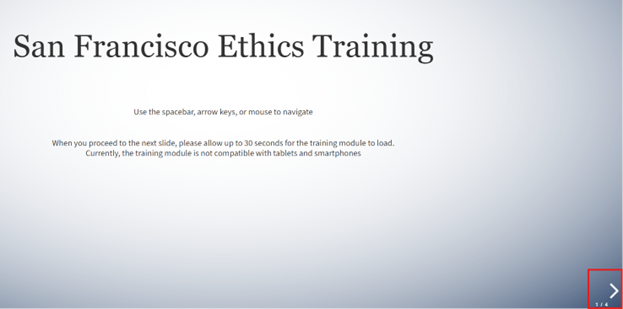
Read the instructions on this page and click the Right Arrow Key in the bottom right corner of the page to continue.
Step 5
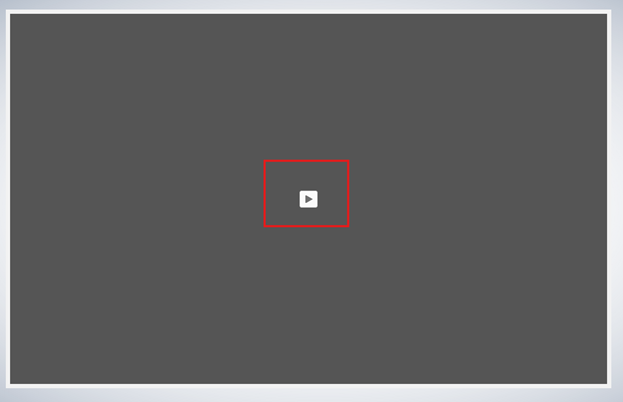
There are 7 separate videos that make up the Annual Ethics Training module. Press the Play button in the middle of the page to start each video of the Annual Ethics Training module. Be sure to follow the instructions and prompts within each video. Please keep in mind that the entire module will take about 1 hour and 10 minutes to complete. If you exit the module, your place will be saved upon returning.
Step 6
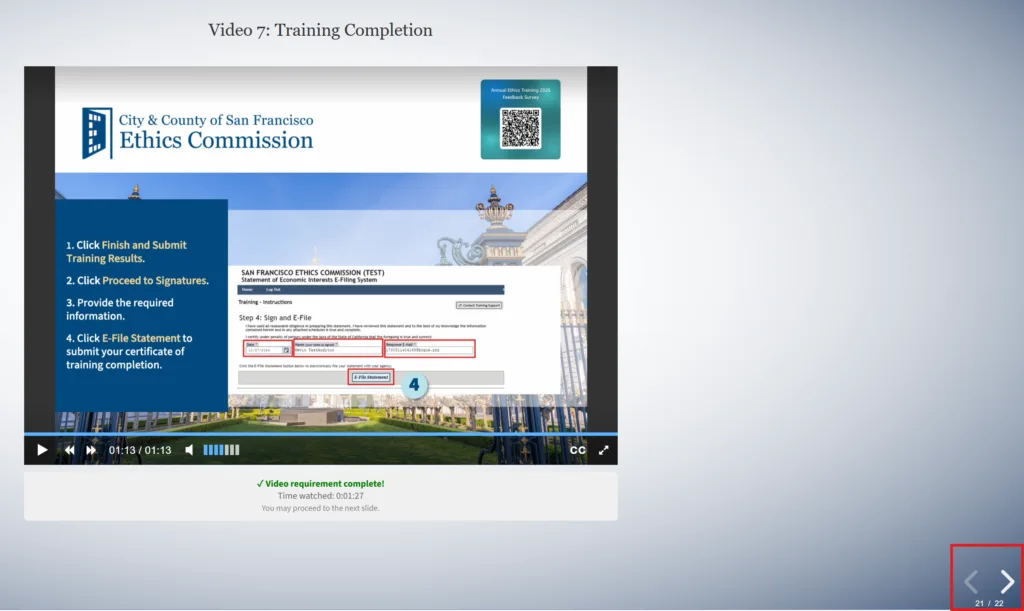
Upon completion of all of the videos within the Annual Ethics Training module, click the Right Arrow Key in the bottom right corner of the page to continue.
Step 7
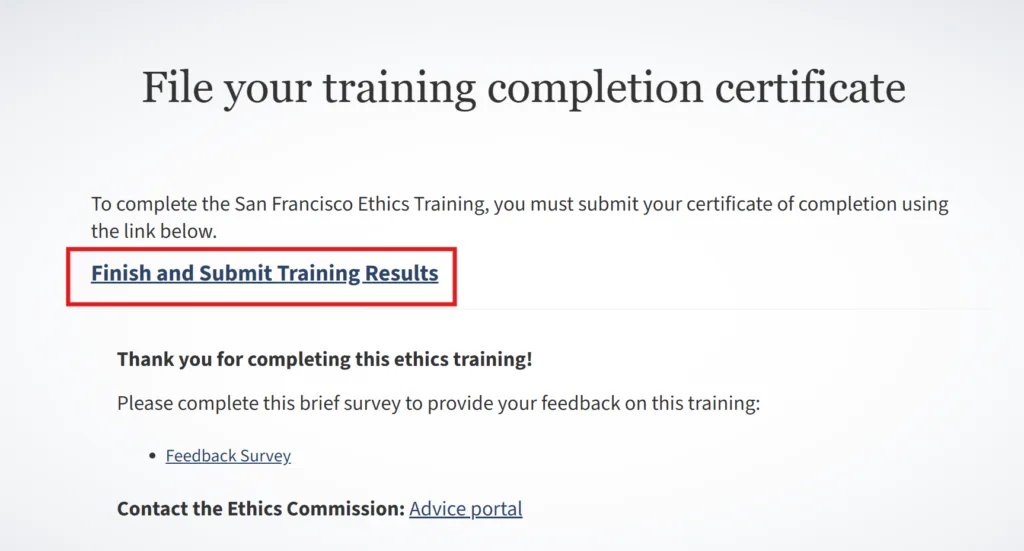
The training portion of this module is completed, however the certificate of completion still needs to be signed and submitted. Click on the Finish and Submit Training Results link.
Step 8
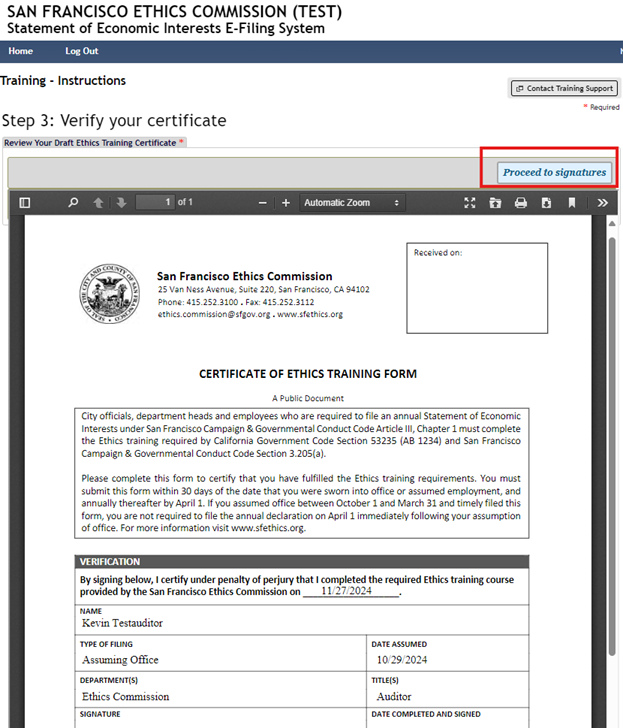
Once the certificate is read and verified as accurate, click the Proceed to signatures button.
Step 9
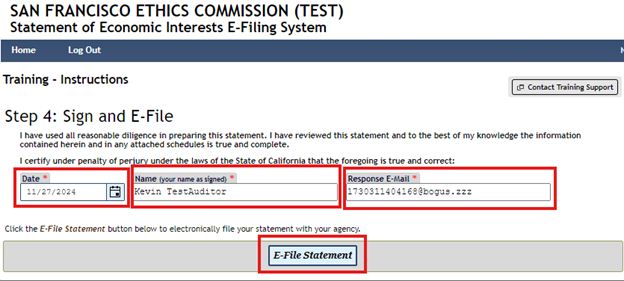
Enter the date, your name, and your email address into the corresponding text boxes, then click the E-File Statement button.
Step 10
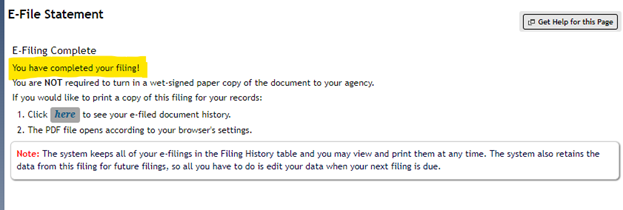
E-Filing is completed. Please feel free to print a copy of the certificate for your records.